
FLIGHT LOG #6 ·
BACK TO GANDER.
hey,
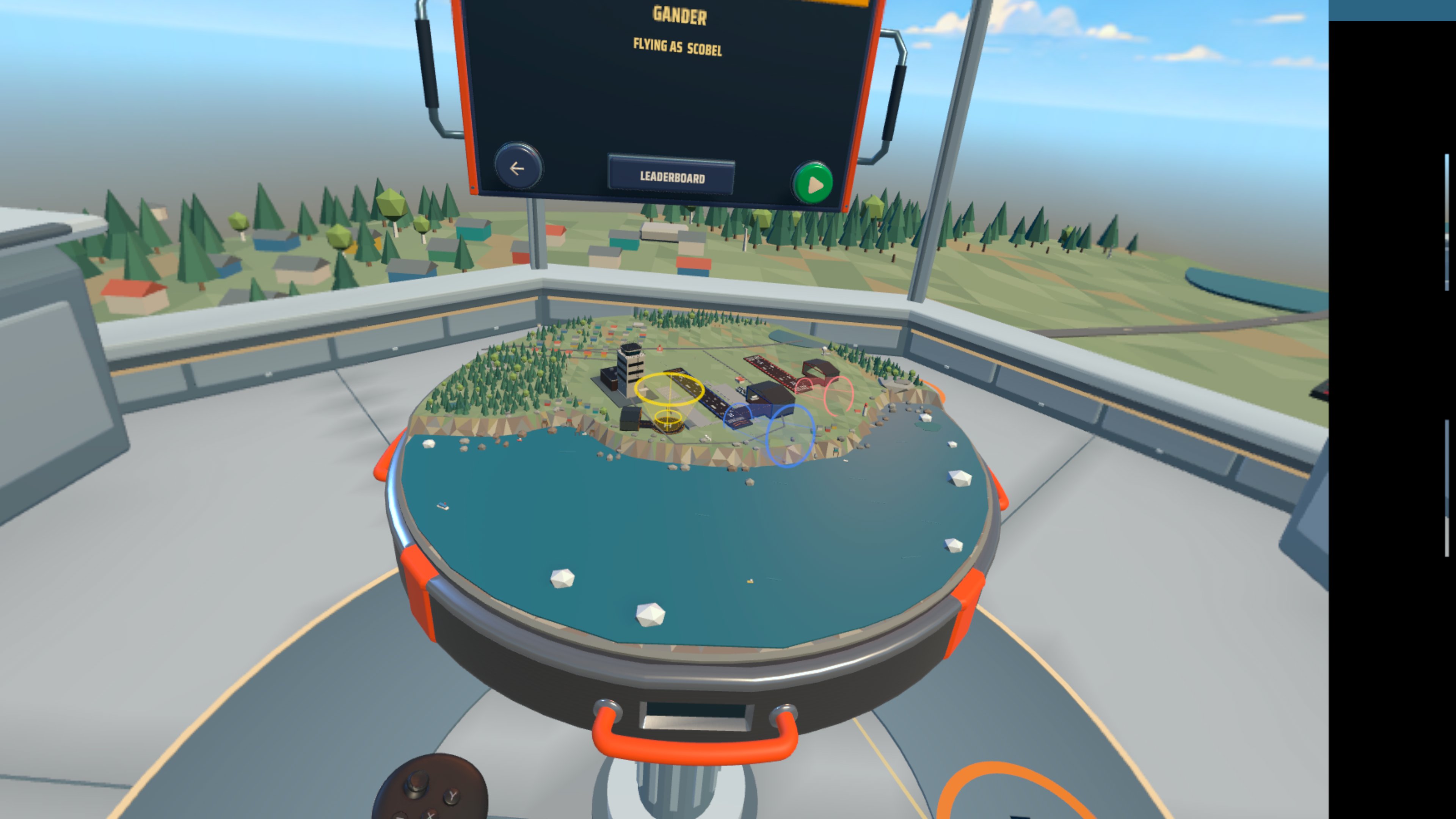
the full Campaign story is in this update. it starts at Gander, takes you through six chapters, and returns to Gander on September 11, 2001, with 38 airliners to bring in.
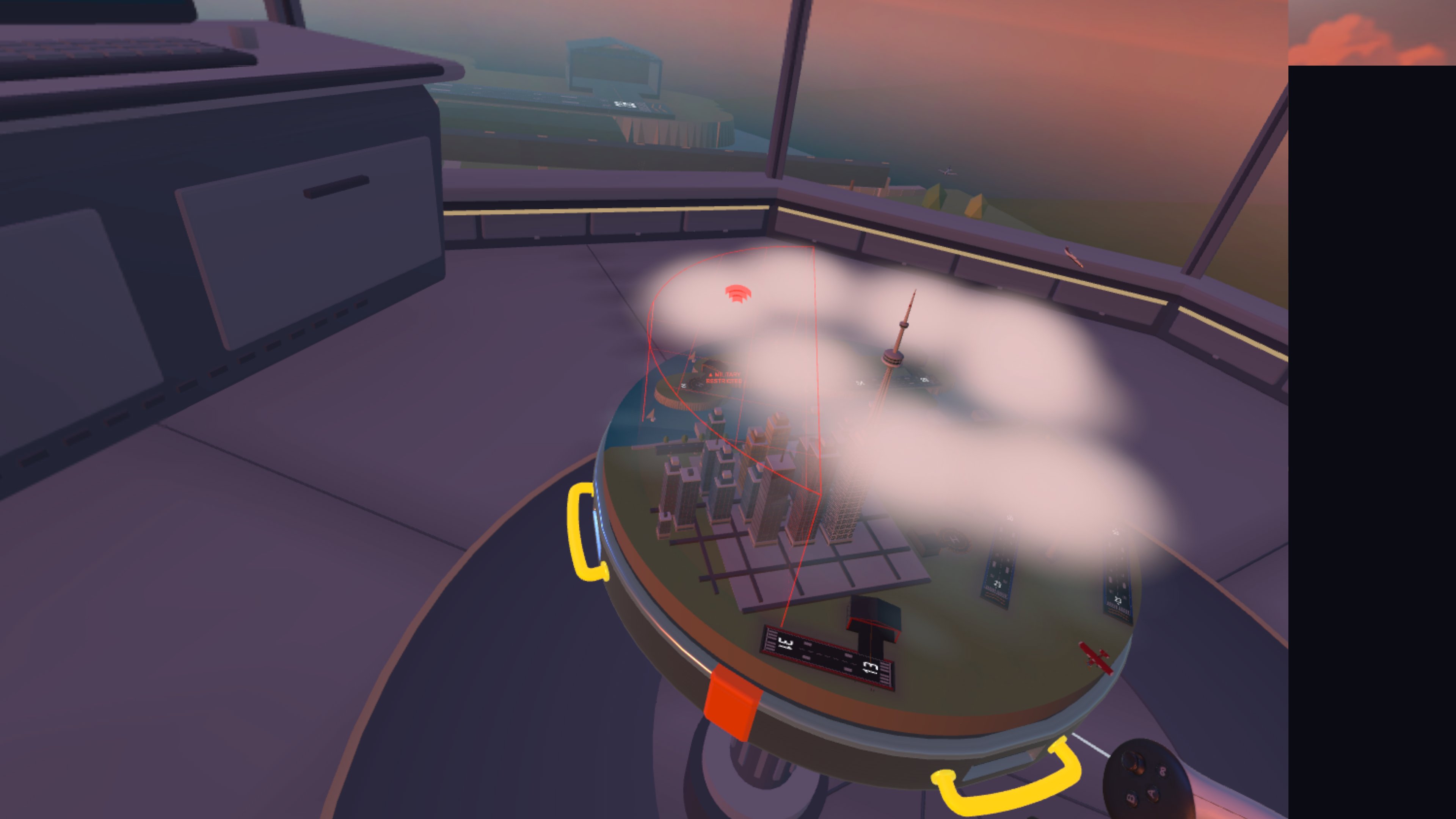
there are new skies to fly through too, from scattered clouds to ground fog and storms. the airspace wall now turns red when a line you draw goes through it. there are clearer radio voices and smaller fixes throughout.
i'd love to hear how your next shift goes. thanks for helping me make Vector Tango better.
Matt

WAYPOINT 01 · NEW
the full Campaign story
start with a prologue at Gander, play six chapters, then return to Gander on September 11, 2001. the finale brings 38 airliners and new international pilots.

WAYPOINT 02 · NEW
changing skies
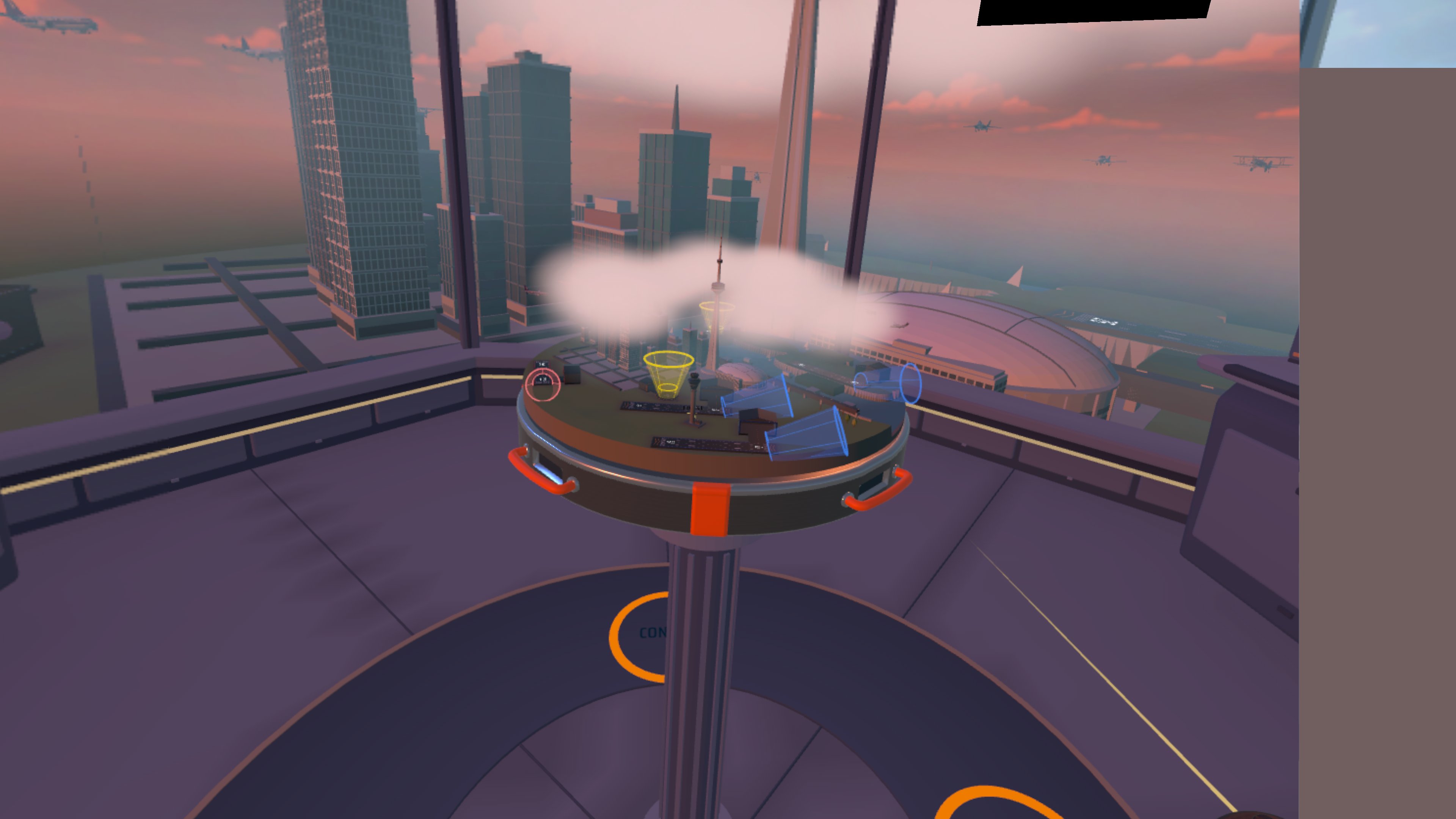
fly under scattered clouds, overcast skies and ground fog. storms bring a darker cloud layer, and heavy storms bring full dark cover. dawn and dusk have warmer clouds, with softer daytime shadows.

WAYPOINT 03 · IMPROVED
military airspace that fits
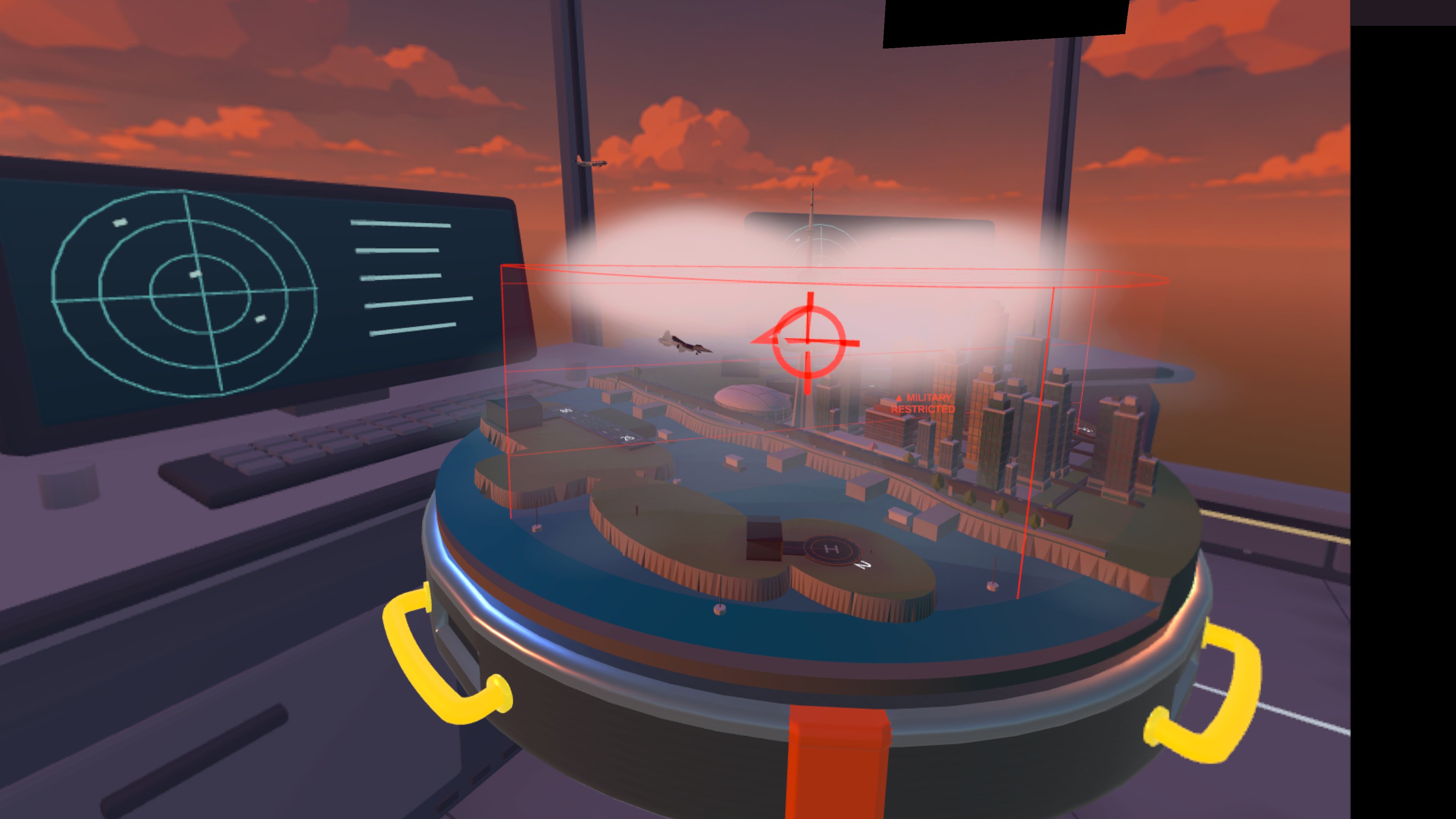
military airspace stays over the board and never blocks an emergency. the fighter jet flies more freely, marks its target and fires from close range.

WAYPOINT 04 · IMPROVED
room to move
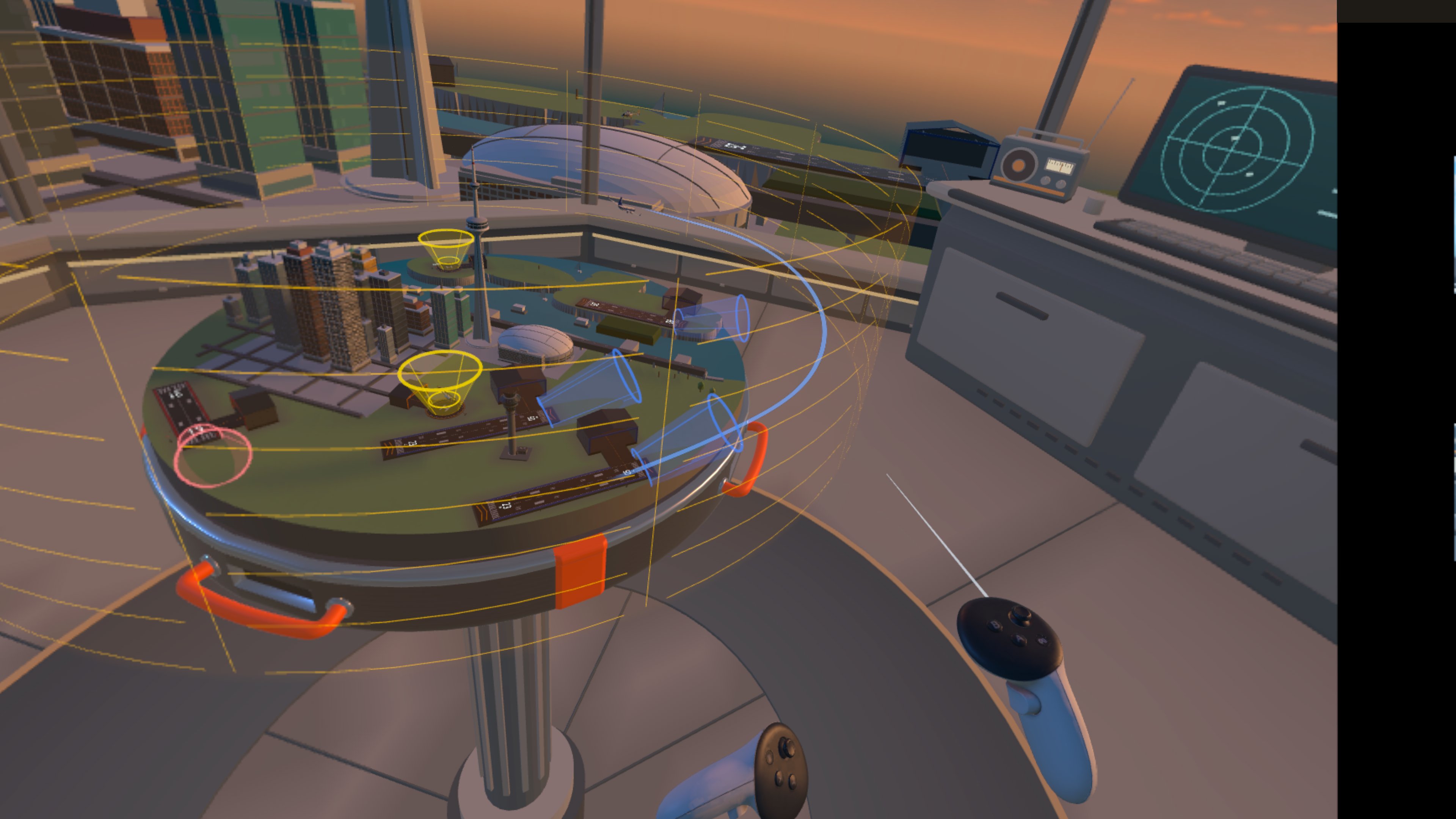
Toronto has more room to land. departures left waiting taxi out after 30 seconds.

WAYPOINT 05 · IMPROVED
see the airspace boundary
the airspace wall turns red while a line you draw goes through it. planes leaving your airspace blink green or red.

WAYPOINT 06 · NEW
night, your way
adjust night dimming in Settings > View.

WAYPOINT 07 · IMPROVED
clearer radio voices
hear clearer pilot and John radio voices. each Competitive map now has its own narrator intro.

WAYPOINT 08 · IMPROVED
a steadier place to play
the radio stays where you put it in mixed reality. VR seats you correctly anywhere in the house, and the tower follows the board. the left-eye flicker is fixed.

WAYPOINT 09 · IMPROVED
simpler table setup
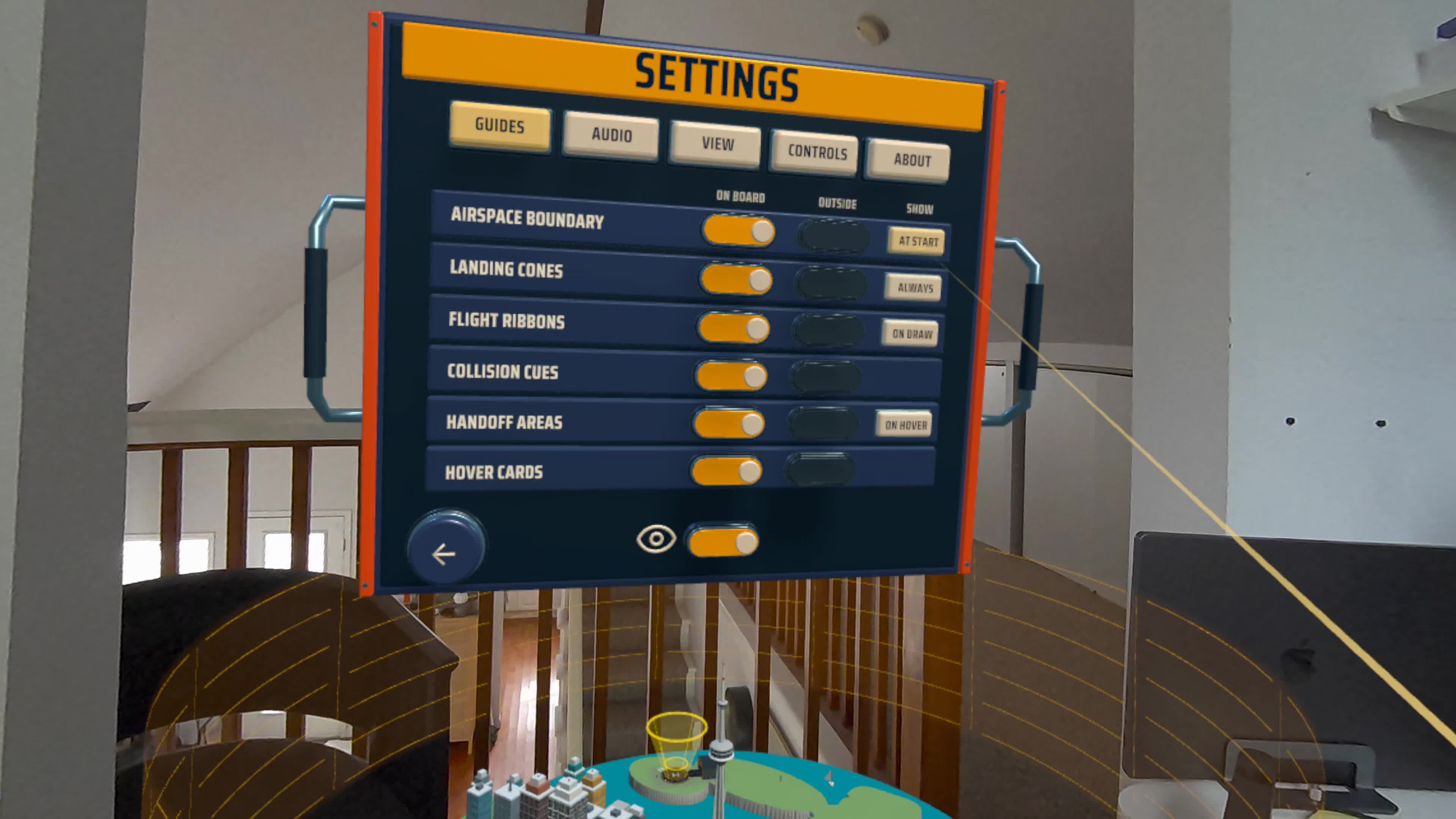
table setup is simpler, and guides are on by default. this update also includes many smaller fixes.
still don't have the beta?
Join the flight listhow to send feedback
feedback is optional, and it helps a lot. record what you see and hear right from your headset, and i get the video and your voice.
- turn on mic recordingwhen you start a screen recording, turn on the mic so i can hear what you're saying while you play.
- start a screen recordinghold the Meta button and long press the trigger. or short press the Meta button and press the movie camera button on the home screen.
- submit feedbackwhen the recording stops, press the Meta button and select "Submit Playtesting Feedback". attach your clip and add a note to explain what happened.
or just reply to any Vector Tango email. everything goes to me.