
FLIGHT LOG #1 ·
FROM THE
TOWER.
hey,
when i started Vector Tango, i promised myself i'd ship early and often. that didn't quite happen.
we started with one airport and one game mode. now we've got an entire campaign, five maps, dynamic weather and time of day, emergencies, a sandbox that lets you build your own airport, and an entirely new VR mode.
here's my first flight log. if you're on the beta, you have it now. if you still haven't signed up, here's a link to get access.
Matt
WAYPOINT 01
a real control tower
flip one switch and your living room becomes a VR control tower. the planes you route on the board land on the runway outside the window. spin the board and the whole airport turns with it.
WAYPOINT 02
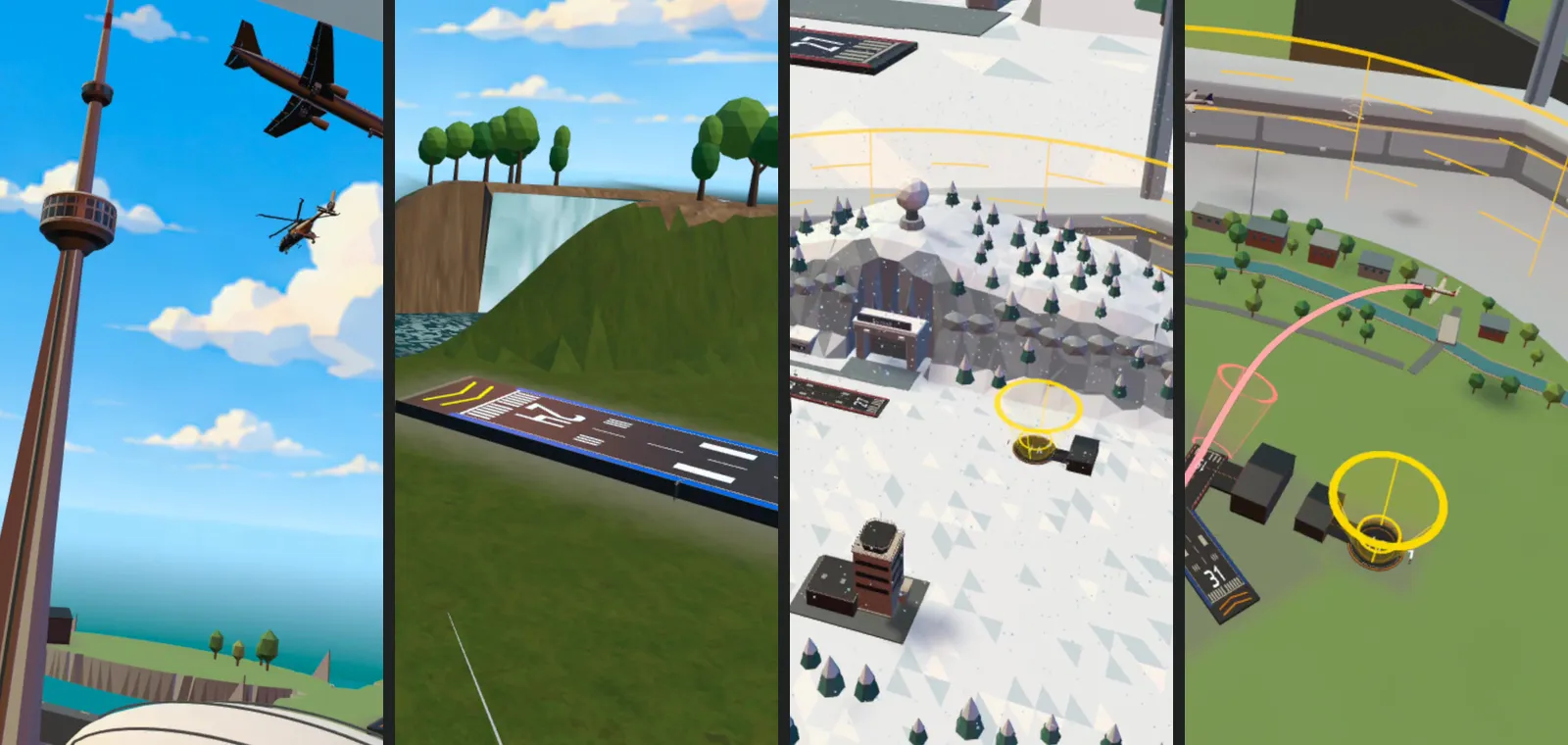
five airports. competitive at every one.
Niagara, Hamilton, North Bay, Toronto and London, all in Ontario, Canada. every map has competitive mode with 24 levels and its own leaderboard.
WAYPOINT 03
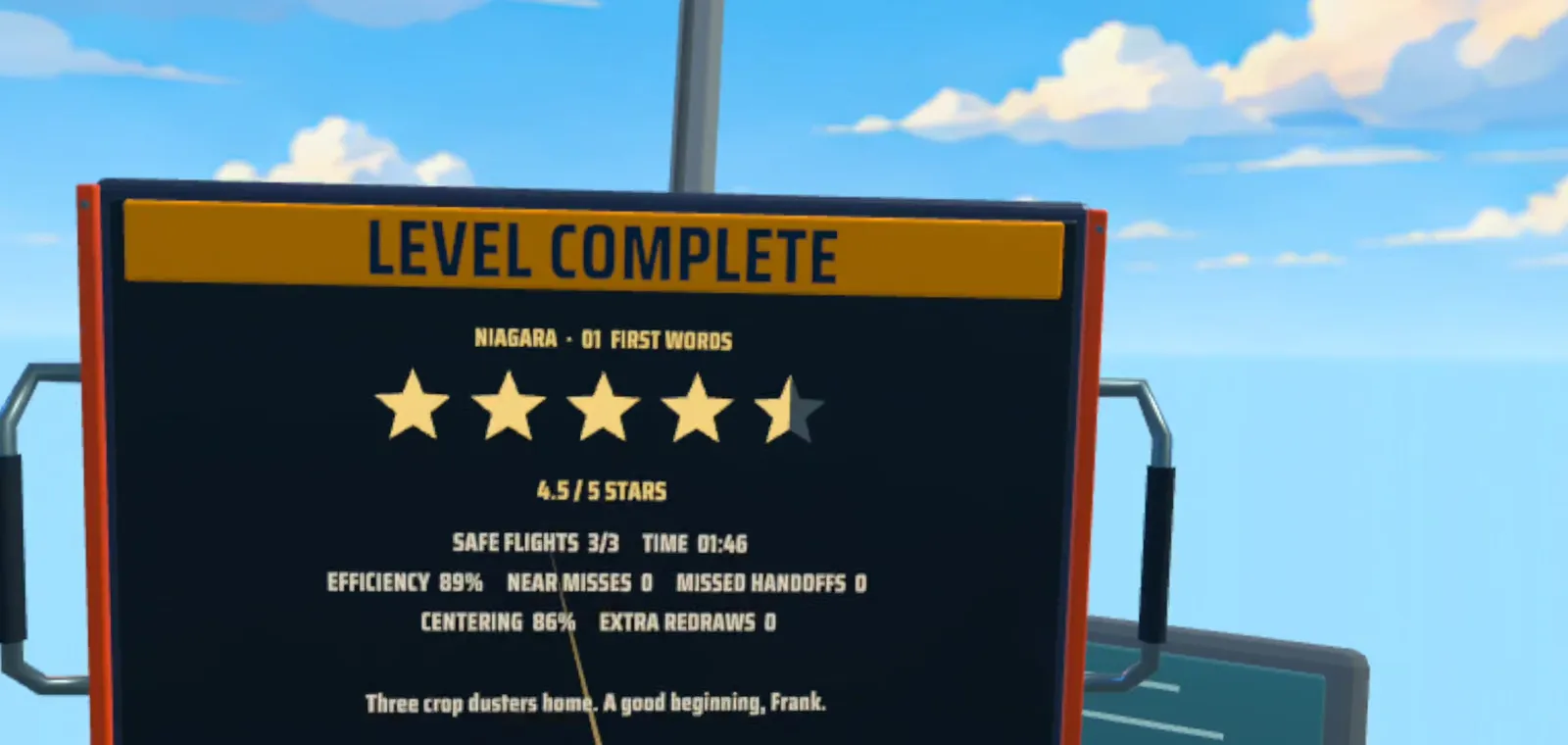
career mode opens
Campaign follows my dad Frank's career as an air traffic controller, shift by shift. every run is rated up to five stars.
WAYPOINT 04
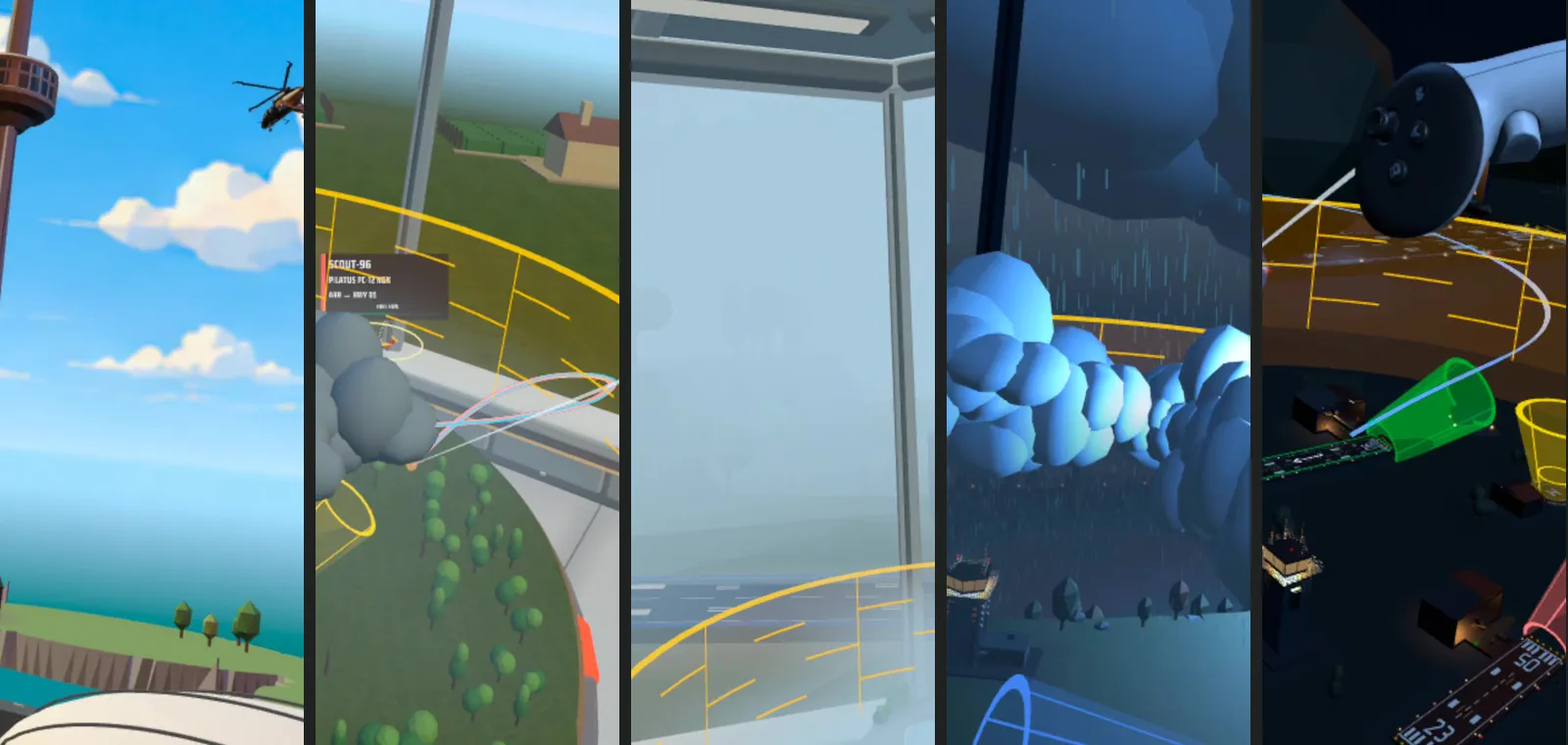
day to night, clear to storm
the time of day changes every level and the weather every two. at night the falls light up and the planes show their lights.
WAYPOINT 05
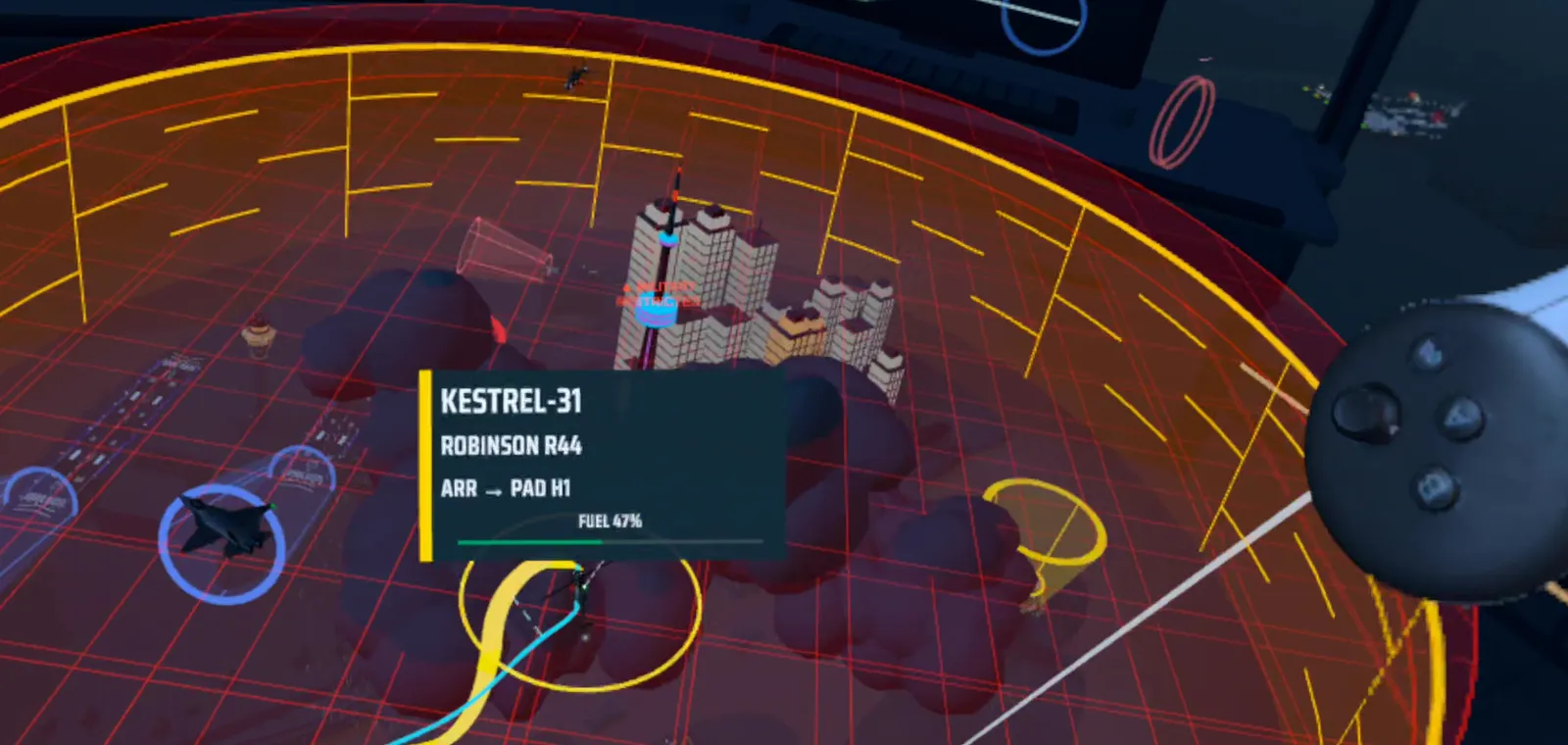
fuel and fighter jets
low-fuel planes have to land first. leave a plane in military airspace too long and a fighter jet comes after it.
WAYPOINT 06
put the board anywhere
grab it, turn it, lift it, resize it. set your airport on the coffee table or make it the size of the room.
WAYPOINT 07
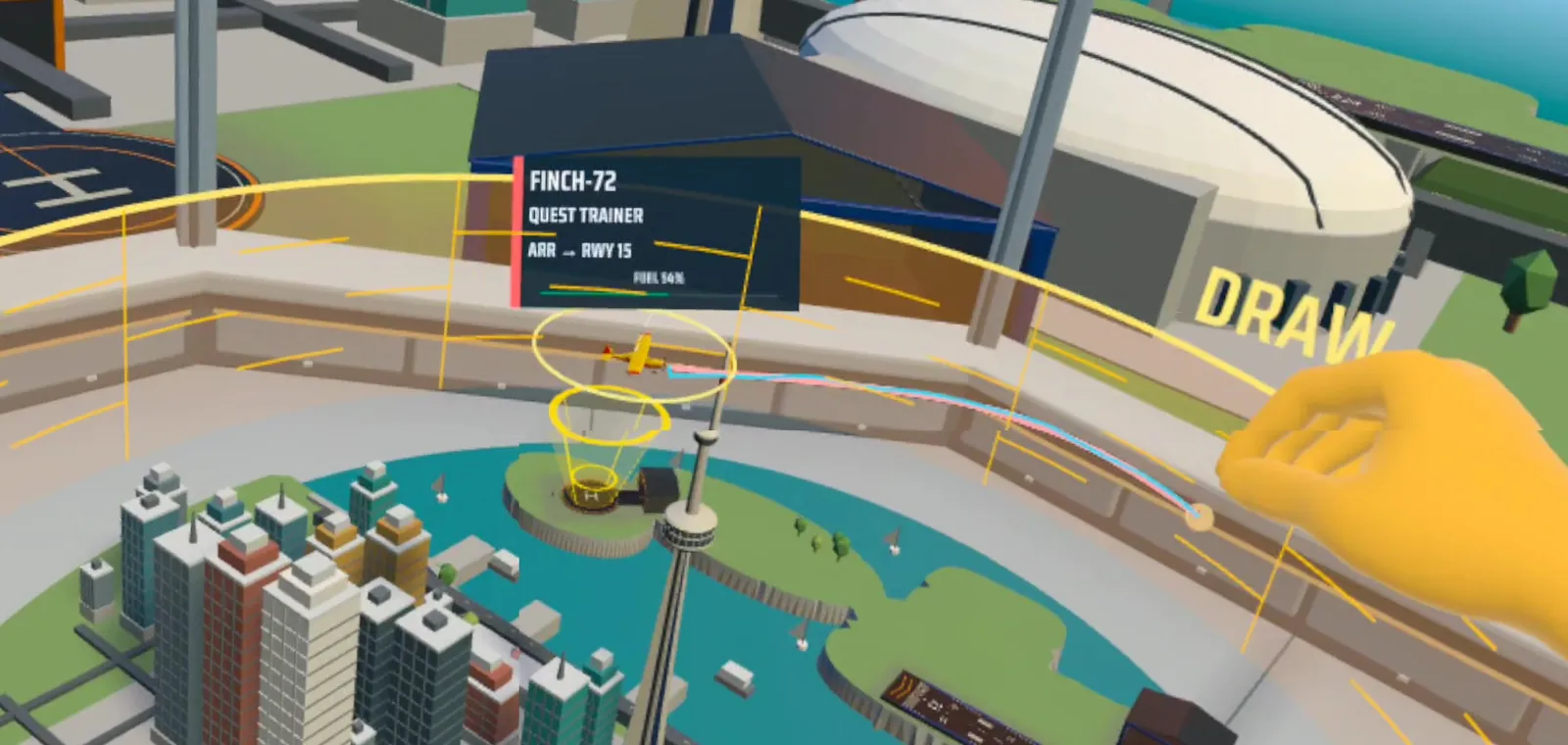
controllers, hands or a pen
play with Quest controllers, your bare hands or the Logitech MX Ink pen. your first game, a ghost hand shows you each move.
WAYPOINT 08
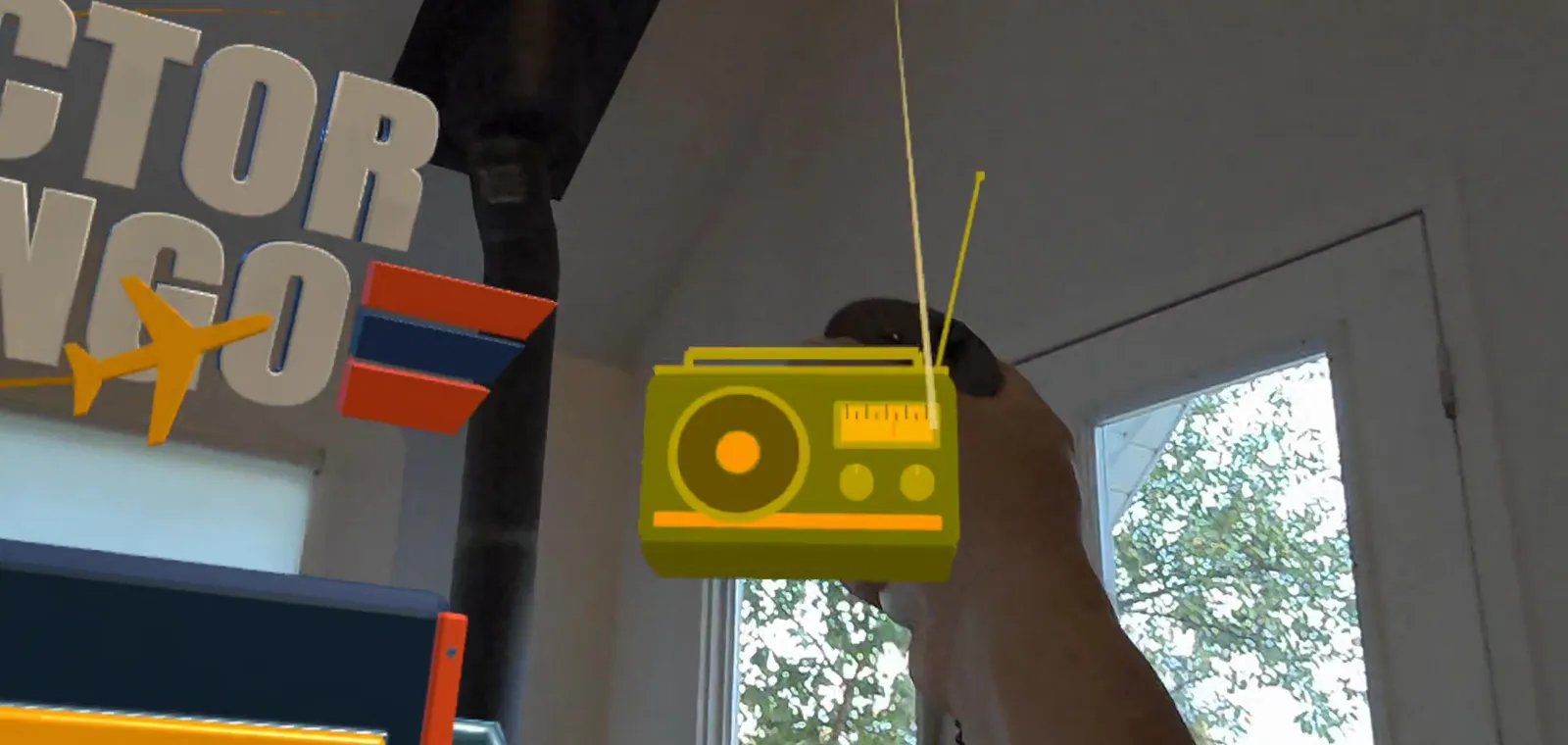
a radio in your room
the music plays from a little radio. carry it and set it on any table, and the sound comes from there.
WAYPOINT 09
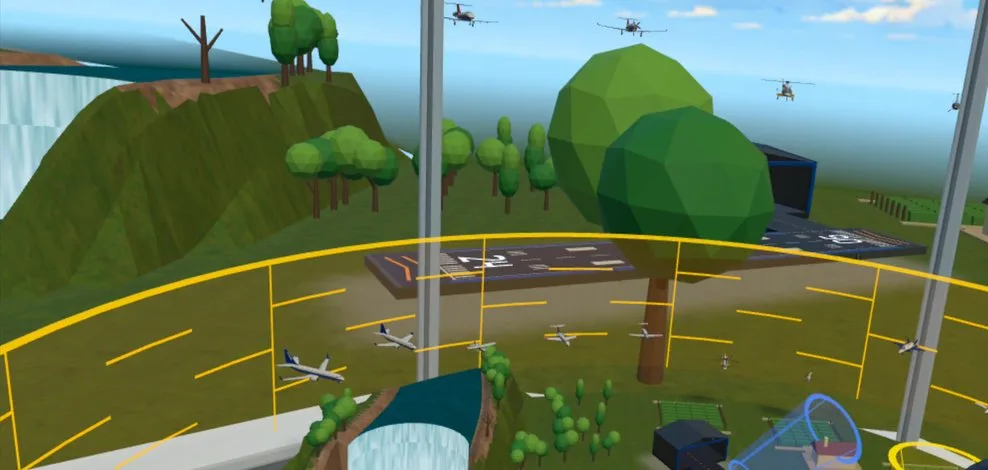
sandbox: build your own airport
move the tower, add runways, plant trees, pick the weather and the time of day, and fill the sky with traffic. no score, just your airport.
still don't have the beta?
Join the flight listhow to send feedback
feedback is optional, and it helps a lot. record what you see and hear right from your headset, and i get the video and your voice.
- turn on mic recordingwhen you start a screen recording, turn on the mic so i can hear what you're saying while you play.
- start a screen recordinghold the Meta button and long press the trigger. or short press the Meta button and press the movie camera button on the home screen.
- submit feedbackwhen the recording stops, press the Meta button and select "Submit Playtesting Feedback". attach your clip and add a note to explain what happened.
or just reply to any Vector Tango email. everything goes to me.